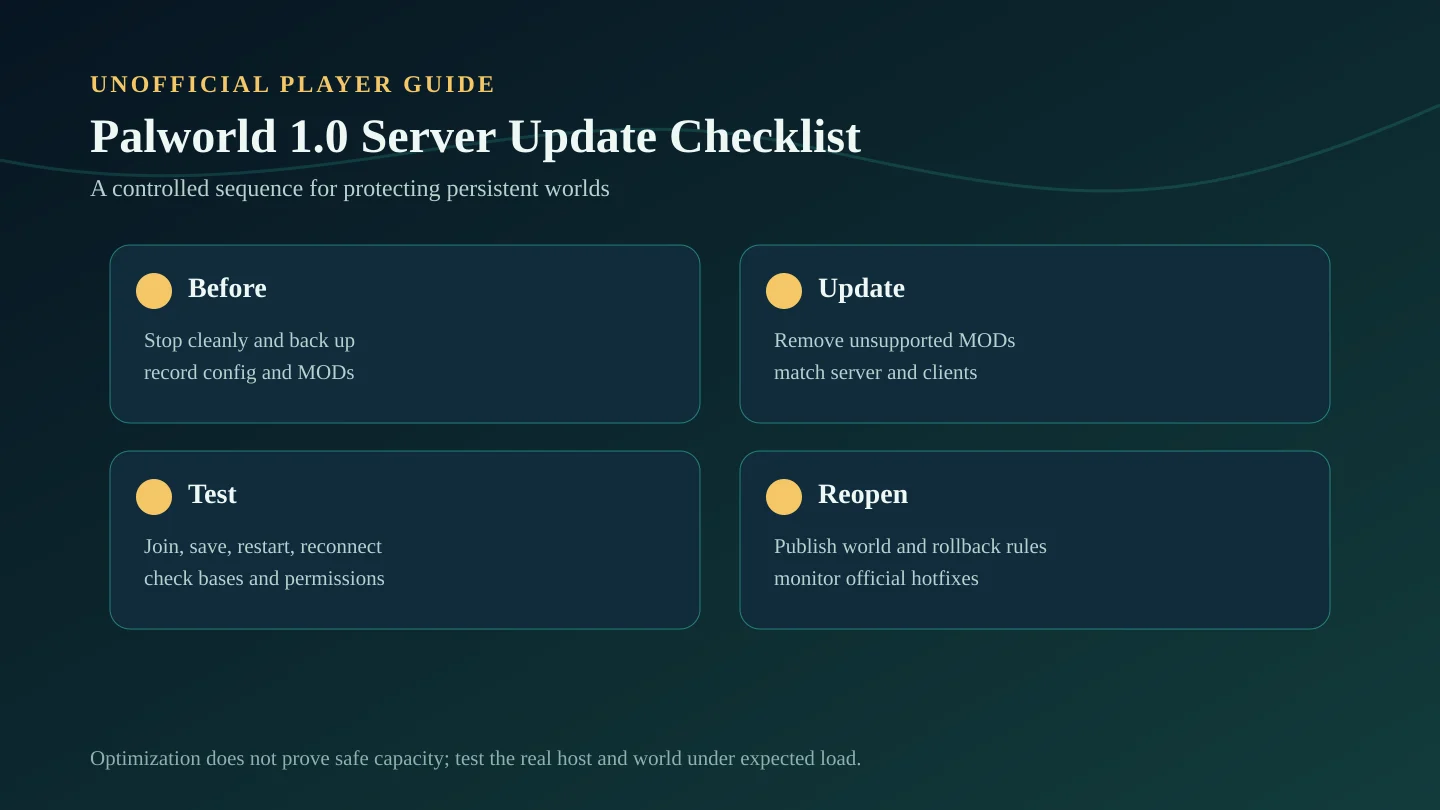
Backup before updating
Stop the server cleanly and copy the complete world, player data, configuration, startup arguments, and management files before installing Version 1.0. Keep the backup outside the active server directory and label it with the date and pre-update build.
Do not use the only production world as the first test. Restore or copy it into a private environment when possible, then verify login, saving, restart persistence, and base access before reopening the main server.
Before, during, and after the update
| Stage | Required checks | Do not proceed until |
|---|---|---|
| Before update | Stop cleanly; copy world, players, config, startup arguments, and MOD list | The backup is stored outside the active server directory |
| During update | Remove unsupported MODs; update server and clients; compare configuration | Server and test clients run matching Version 1.0 builds |
| After update | Test join, base access, saving, restart persistence, permissions, and chat | A private test survives restart without data loss |
Remove or test MODs
Pocketpair warns that old MOD files and MOD loaders can still affect the game after being disabled. Remove them manually, unsubscribe from Workshop MODs, verify game files, and confirm the server and a client can run unmodded.
Only restore a MOD after its creator confirms Version 1.0 compatibility. Add MODs back one at a time so crashes, save failures, or blocked progression can be isolated. Compatibility needs in-game verification.
Check server version
Confirm the dedicated server has updated to the current Version 1.0 release and that every joining client uses a compatible build. A mismatch can look like a password, connection, or server-list problem when the real issue is version alignment.
Record the server build and update time in the operator log. If Pocketpair publishes a hotfix, compare the server and client builds again before changing unrelated settings.
Check multiplayer stability
- Join with more than one client and confirm character loading and spawn behavior.
- Place or access a small test base, move items, assign a Pal, and verify permissions.
- Log out, save, restart the server, reconnect, and confirm persistence.
- Check guild roles, chat, server password behavior, and unstable-connection indicators.
- Run a longer private session before advertising production stability. Needs in-game verification.
Review server settings after 1.0
Pocketpair changed dedicated-server defaults to align more closely with single-player Normal difficulty, while progression, capture rates, crafting, Pal work, raids, death behavior, and other systems were rebalanced. Compare the actual Version 1.0 configuration with the old server file rather than assuming unchanged defaults.
Start close to default values, document every deviation, and review settings with the group after a controlled test. A universal best preset is not provided by the official changelog.
What not to change without testing
- Do not raise player or base load because the changelog says server processing was optimized; real capacity needs in-game verification.
- Do not change several progression, capture, resource, and damage multipliers at the same time.
- Do not enable old MODs, loaders, plugins, or management tools without a confirmed Version 1.0 release.
- Do not overwrite the last pre-update backup after a successful first login.
- Do not treat one short session as proof of long-term multiplayer stability.
Server owner checklist
- Back up world data, player data, settings, startup arguments, and MOD lists.
- Remove old MOD files and confirm a clean unmodded launch.
- Update server and clients, then verify matching versions.
- Compare old settings with the Version 1.0 configuration and changed defaults.
- Test login, saving, restart persistence, guild permissions, chat, and one representative base.
- Document whether the world is fresh, continuing, temporary, or subject to rollback.
- Keep monitoring official hotfix and known-issue announcements.
Source note
This server guide is based on Pocketpair's official Palworld v1.0 Steam changelog and official MOD warning. It uses confirmed server, multiplayer, save-process, default-setting, optimization, and MOD information without claiming unverified player capacity or performance gains.