Why Pocketpair issued a MOD warning
Version 1.0 changes many Palworld systems. Pocketpair warns that old MOD data can cause launch or gameplay crashes, corrupted or unloadable saves, and quests or events that cannot progress.
Problems may come from MOD files or loaders left in the game directory even when a management tool shows the MOD as disabled.
Back up before changing anything
- Copy every important local or server save before the first Version 1.0 load.
- Keep at least one backup outside the active game or server directory.
- Label the backup with the date, platform, world name, and pre-update version.
- Preserve the MOD list and configuration beside MOD-dependent saves.
- Do not overwrite the only pre-update backup during testing.
Remove old MOD files manually
Pocketpair's warning says simply switching a MOD off may not be enough. Remove or move old MOD files and loaders from the game directory according to the official MOD guideline.
If you are not sure which files belong to a MOD, use the official guideline and the MOD creator's documentation instead of deleting unrelated game data.
Steam Workshop and file verification
- Unsubscribe from installed Steam Workshop MODs.
- Remember that unsubscribing may not remove every remaining file or loader.
- Use Steam's Verify integrity of game files option after cleanup.
- Confirm Palworld launches and loads an appropriate test save without MODs.
When to reinstall MODs
Wait until the MOD creator confirms a Version 1.0-compatible release. Reinstall one MOD at a time, start the game, and test before adding another.
A creator update does not guarantee compatibility with every other MOD or existing save. Needs in-game verification.
MOD-dependent save risks
A save containing MOD-added Pals, items, structures, quests, or other data may behave incorrectly or fail to load after those MODs are removed. Pocketpair does not cover problems caused by modified game data through normal support.
Keep the original backup and test a copy. Compatibility for a specific save needs in-game verification.
Safe compatibility checklist
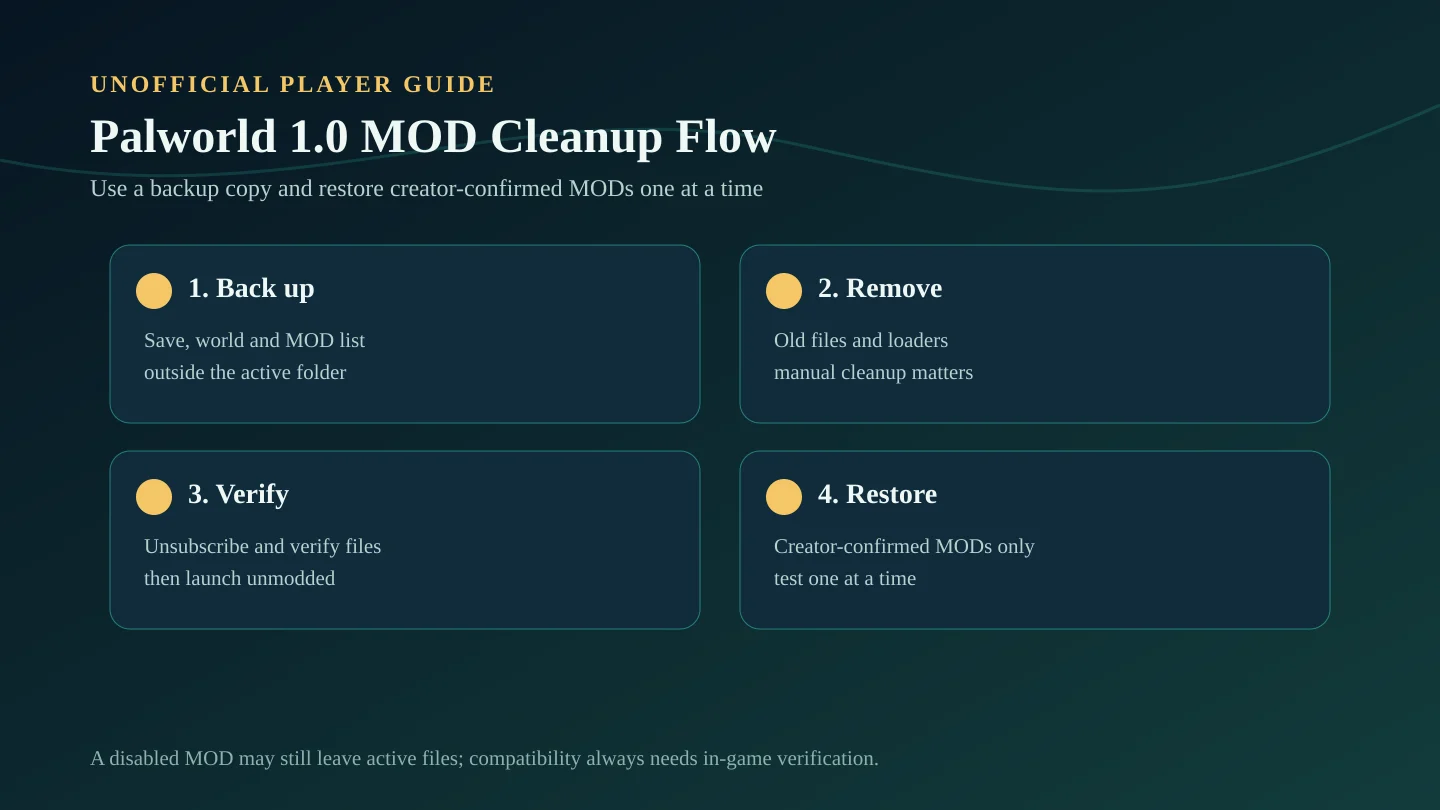
- Back up the save and record the old MOD list.
- Remove old MOD files and loaders manually.
- Unsubscribe from Workshop MODs and verify game files.
- Launch and test Version 1.0 unmodded.
- Confirm each MOD has a creator-supported 1.0 release.
- Reinstall and test one MOD at a time on a backed-up save copy.
Source note
This guide paraphrases Pocketpair's official Palworld 1.0 MOD warning, release changelog, and MOD guideline. It does not certify any third-party MOD as compatible.