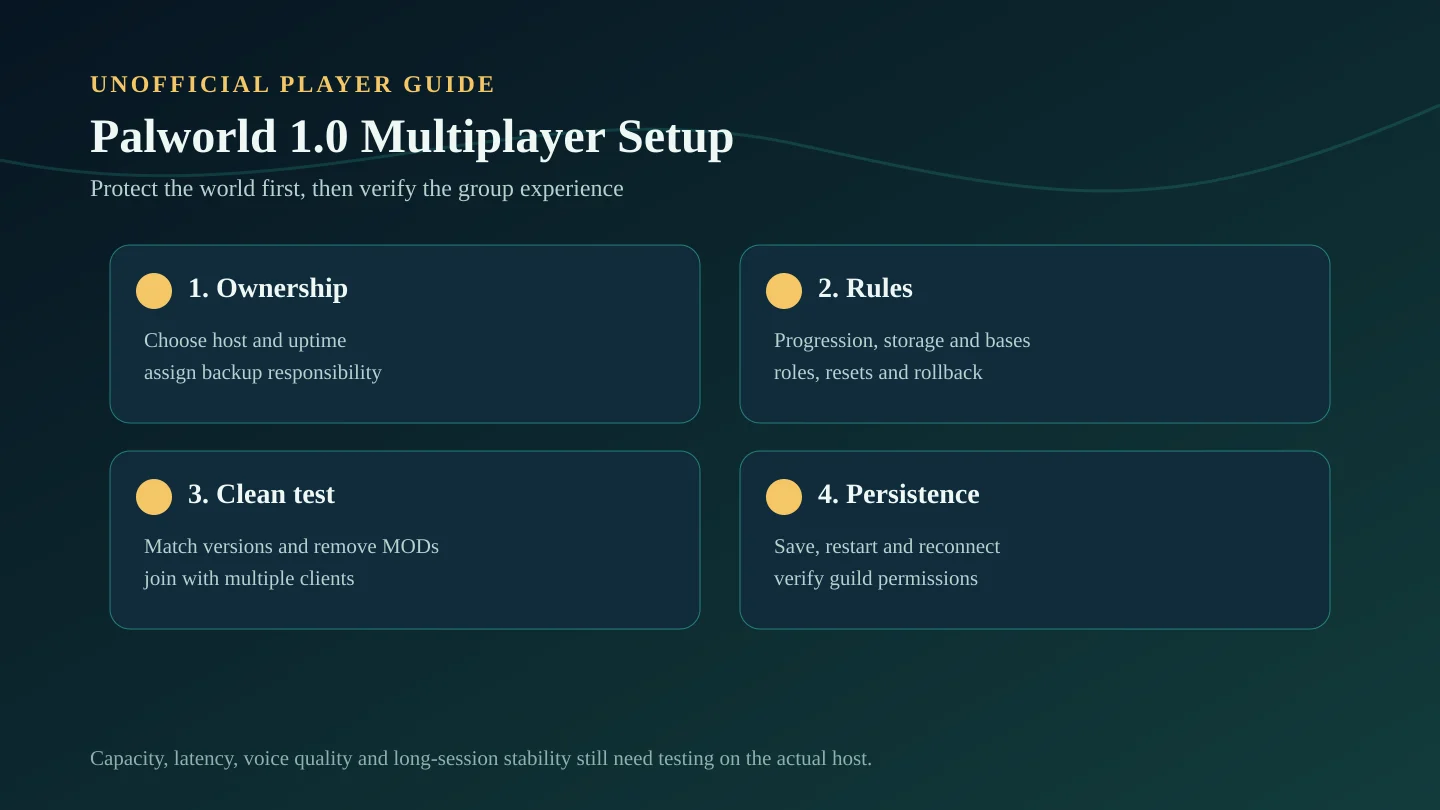
Choose the right multiplayer format
A locally hosted co-op world is simple for a small group but depends on the host being online. A dedicated server supports persistent access but adds backups, configuration, version control, permissions, and performance monitoring.
Choose based on ownership and uptime before comparing settings. Moving a committed group later is more disruptive than starting with conservative rules.
| Format | Good fit | Required decision | Main risk |
|---|---|---|---|
| Host-based co-op | Friends playing together on a schedule | Who owns the save and when the host is online | Progress stops when the host is unavailable |
| Private dedicated server | Small groups needing persistent access | Who maintains backups, updates, and settings | Configuration or host failures affect everyone |
| Community server | Larger groups with rules and moderation | Roles, permissions, resets, support, and enforcement | Griefing, uneven progression, and heavier workload |
Group decisions to make before playing
- Who owns the world and who can restore a backup?
- Will the server run continuously or only during shared sessions?
- Can players progress missions and bosses independently?
- Are storage, rare resources, base zones, and captured Pals shared or personal?
- Who can change settings, roles, permissions, or MODs?
- What triggers a rollback, reset, or maintenance window?
Official Version 1.0 multiplayer changes
Pocketpair confirms expanded guild roles and permissions, guild markers, login notifications, clearer chat system messages, anti-impersonation measures, longer chat history, server-list improvements, password and IP-entry changes, save-process work, and unstable-connection indicators.
Dedicated servers can enable voice chat through world settings, but Pocketpair states that WinGDK does not support it. Steam and Mac versions can optionally link Discord accounts. These features should be tested with the actual platform combination before a community depends on them.
Clean multiplayer smoke test
- Back up the complete world and remove unsupported MOD files or loaders.
- Confirm the host/server and every test client use compatible Version 1.0 builds.
- Join with at least two clients and check spawn, character data, password behavior, and guild membership.
- Access a representative base, move items, assign a Pal, and test structure permissions.
- Save, log out, restart the host/server, reconnect, and confirm persistence.
- Run a longer private session before calling capacity or stability verified.
How to diagnose multiplayer problems
| Symptom | Check first | Next action |
|---|---|---|
| Cannot join | Server/client version, password, IP entry, server status | Test a clean unmodded client and confirm the address |
| One player stutters | That client's FPS, drivers, background apps, and connection | Compare in the same area with another client |
| Everyone delays | Host/server load, connection indicators, world simulation | Restart privately and inspect server resources |
| Progress disappears | Save completion, shutdown method, restart persistence | Stop access and restore only from a verified backup |
| Permissions fail | Guild role and structure access settings | Test with a temporary role before changing production access |
Rules that keep a long-term group healthy
- Use one announcement channel for maintenance, settings, MODs, and rollback notices.
- Document world purpose, progression pace, PvP/PvE policy, shared resources, and reserved zones.
- Do not change several progression or difficulty categories at once.
- Keep the pre-change configuration beside the matching world backup.
- Use guild permissions for responsibility, then test them before restricting important structures.
What still needs in-game verification
The official changelog confirms engineering and feature changes, not a universal safe player count or proof of stable long sessions on every host. Capacity, latency, memory use, cross-platform behavior, voice quality, MOD combinations, and world-specific problems need in-game verification.
Source note
This guide uses Pocketpair's official Palworld v1.0 Steam changelog and official MOD warning. It separates confirmed multiplayer features from host-specific performance and stability claims.