Before you start
- Choose a fresh character or back up an existing save before loading it in Version 1.0.
- Remove old MOD files and confirm a clean unmodded launch.
- For multiplayer, confirm the host, world policy, backups, and whether the server is permanent or temporary.
- Start close to default settings unless the group has tested a documented alternative.
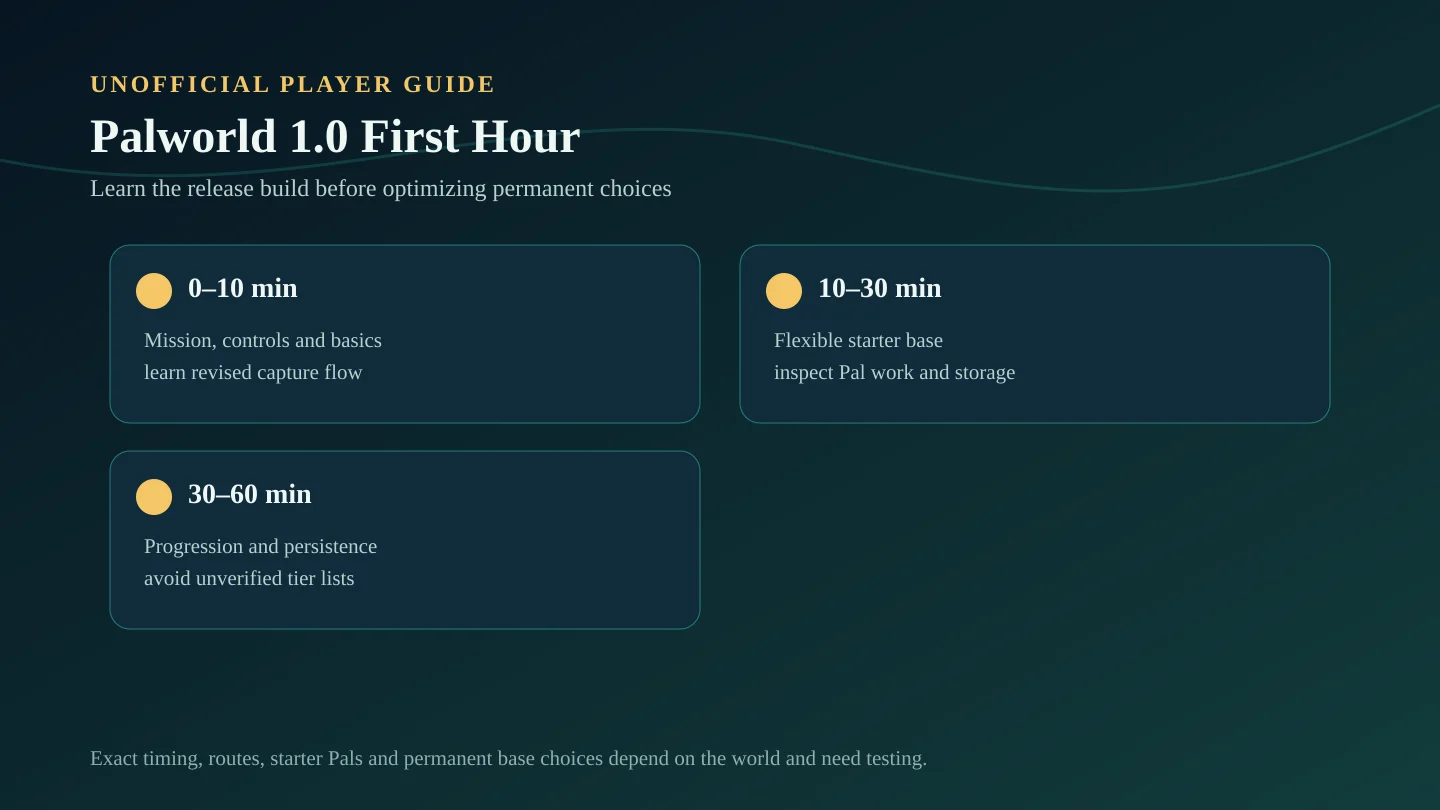
First 10 minutes
- Read the reworked main mission prompts instead of relying on an Early Access route.
- Check controls, graphics, sound, and accessibility options before combat becomes busy.
- Gather basic materials and learn the current crafting flow.
- Capture several early Pals to understand the revised capture and Partner Skill information.
Minutes 10 to 30
- Place a small, flexible starter base rather than a permanent optimized layout.
- Assign a few Pals and inspect their Work Suitability and Partner Skills.
- Organize storage so the base can be moved or rebuilt without losing track of materials.
- Follow nearby mission and map guidance toward exploration tools such as watchtowers.
Minutes 30 to 60
- Continue the mission flow and unlock technologies that solve immediate needs.
- Compare several Pals for combat and work roles without declaring a permanent tier list.
- Check food, inventory weight, base production, and one reliable travel option.
- If playing online, confirm saving, logout, restart, and reconnect behavior before a long session.
What not to optimize in the first hour
- A permanent best base location.
- A final combat or worker Pal tier list.
- Exact breeding, Mutation, or Awakening investments.
- Extreme server multipliers or public capacity claims.
- A fastest route to Sunreach or the World Tree.
- Needs in-game verification.
Returning-player variation
Returning players should spend the first session checking the mission log, bases, Pal skills, Work Suitability, storage, server settings, and MOD cleanup before pursuing new regions. Pocketpair recommends a fresh character, but existing saves can continue.
If the old world matters, use a backup or test copy and keep the original untouched until Version 1.0 behavior is understood.
First-hour success check
- You understand the current mission objective and next local goal.
- Your starter base can gather, store, and craft basic materials.
- You have a small Pal team with understood combat and work roles.
- Your save or server persistence has been checked.
- You have not spent rare resources based on an unverified ranking.
Source note
This checklist is organized around confirmed Version 1.0 changes in Pocketpair's official Steam changelog. Exact timing, routes, Pal choices, and permanent base decisions depend on the player's world and need in-game verification.